Your portfolio page
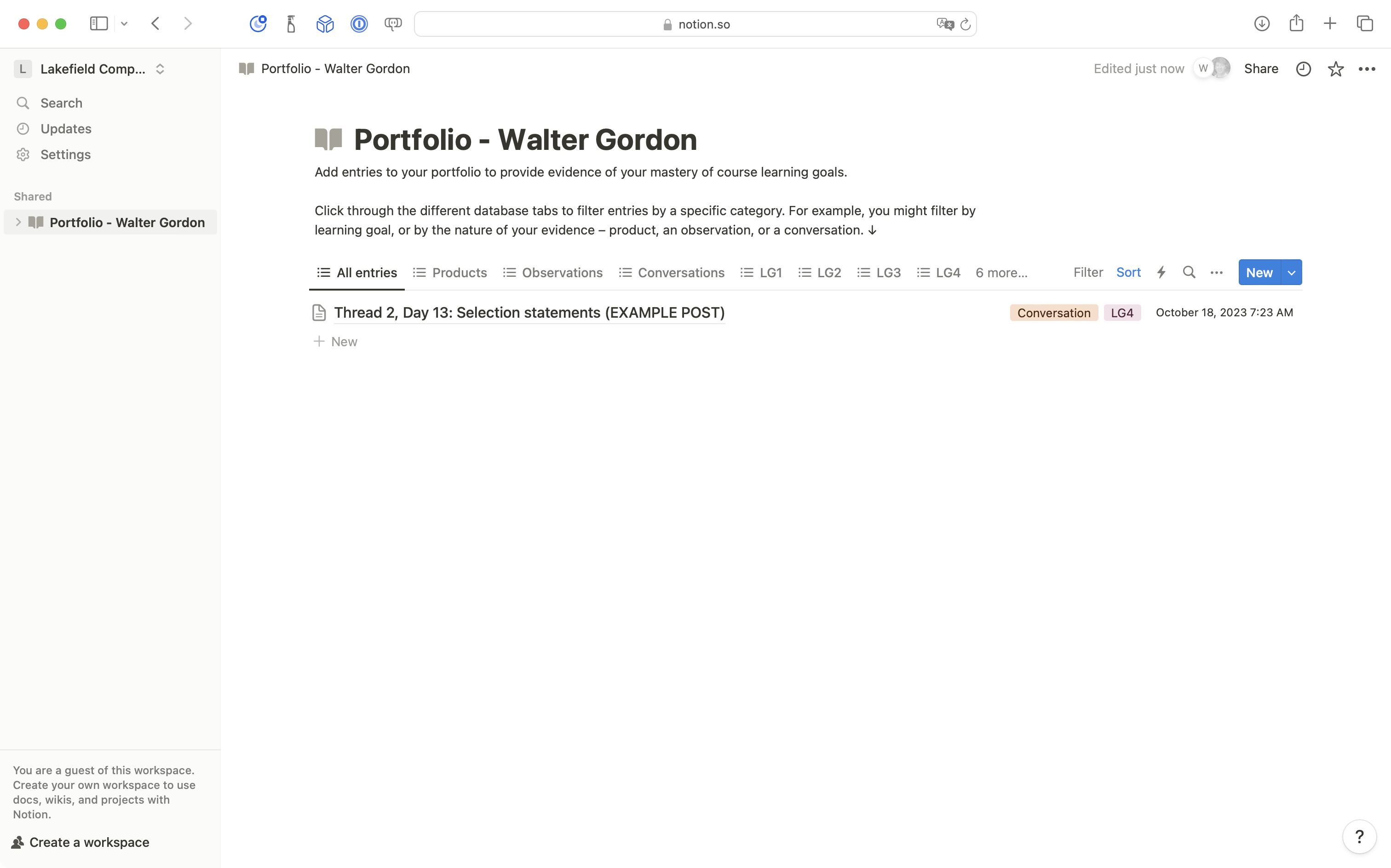
Once you have logged in to Notion and opened the Lakefield Computer Studies Program teamspace, you should see your portfolio page:
Reviewing the example post
The purpose of your portfolio is to share evidence of understanding of our course learning goals. Please review the course outline for a refresher on how you are assessed and evaluated in this course, if needed.
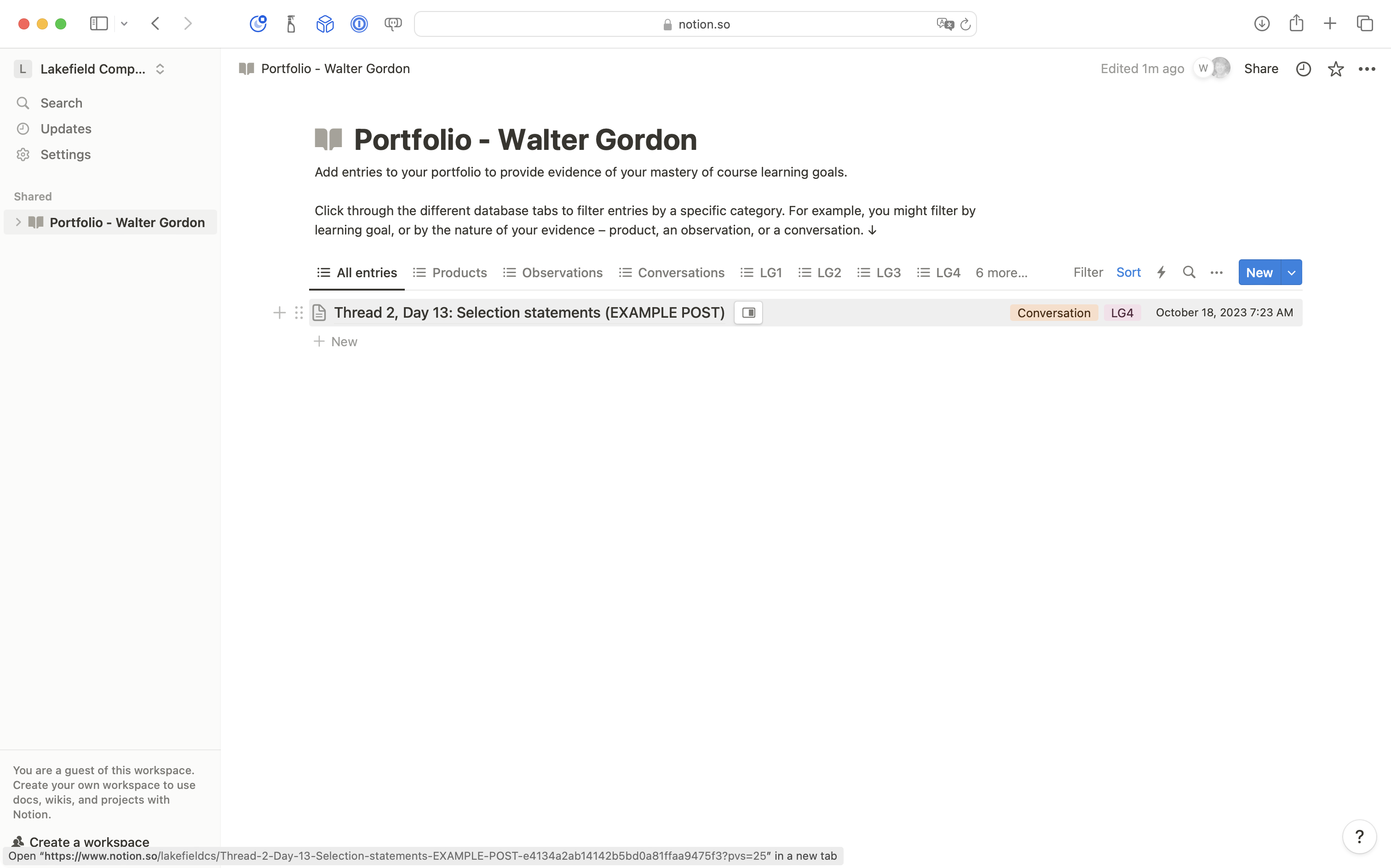
Click on the example post provided:
Sharing progress
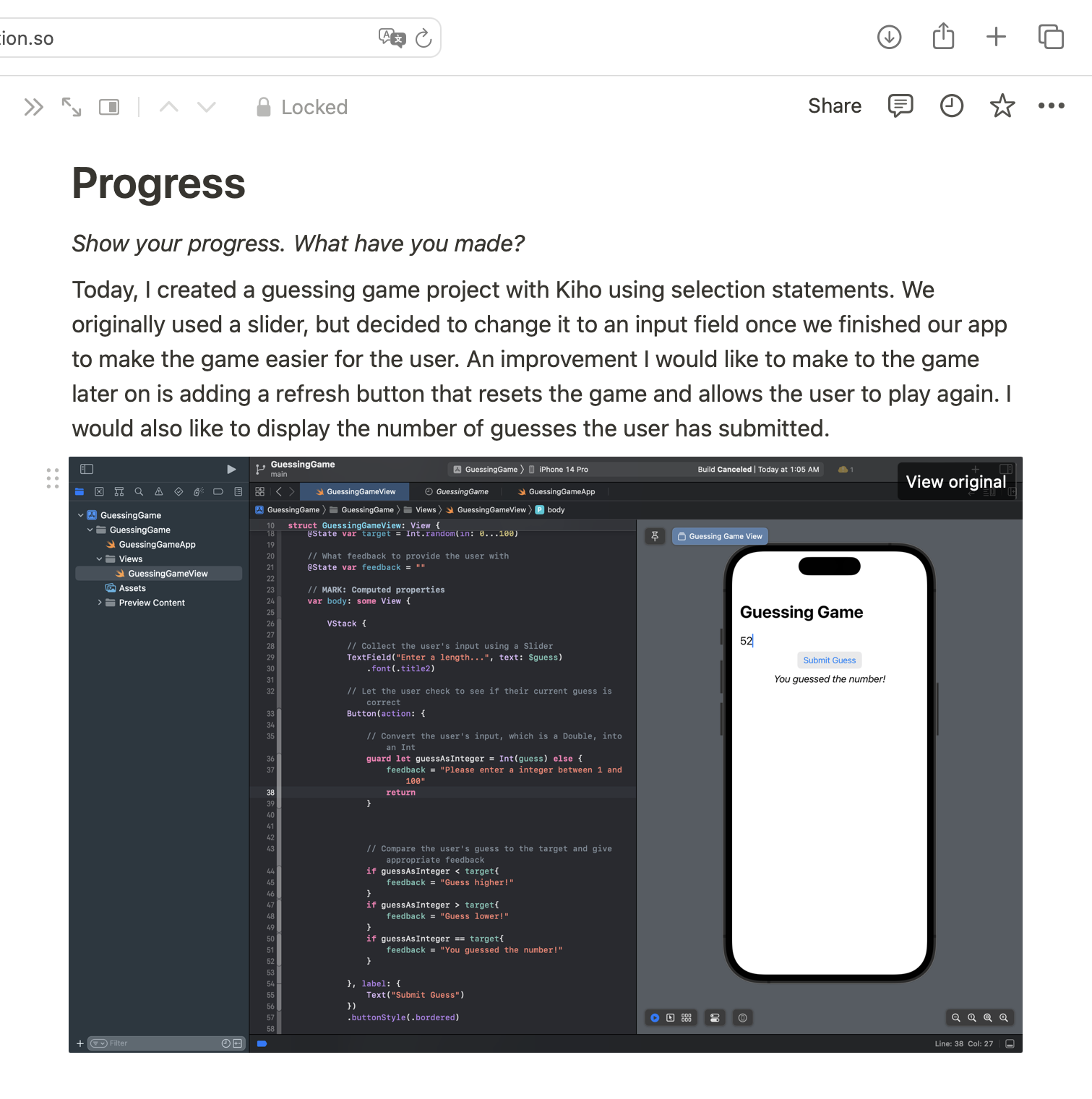
In the Progress section, show what you have done since your last post.
A few sentences might be enough sometimes, but the more you expand on what you accomplished, the better the evidence of your understanding tends to be.
Note how the author of this example post included at least one screenshot to support what they described accomplishing:
Identify what you now understand
What do you better understand now?
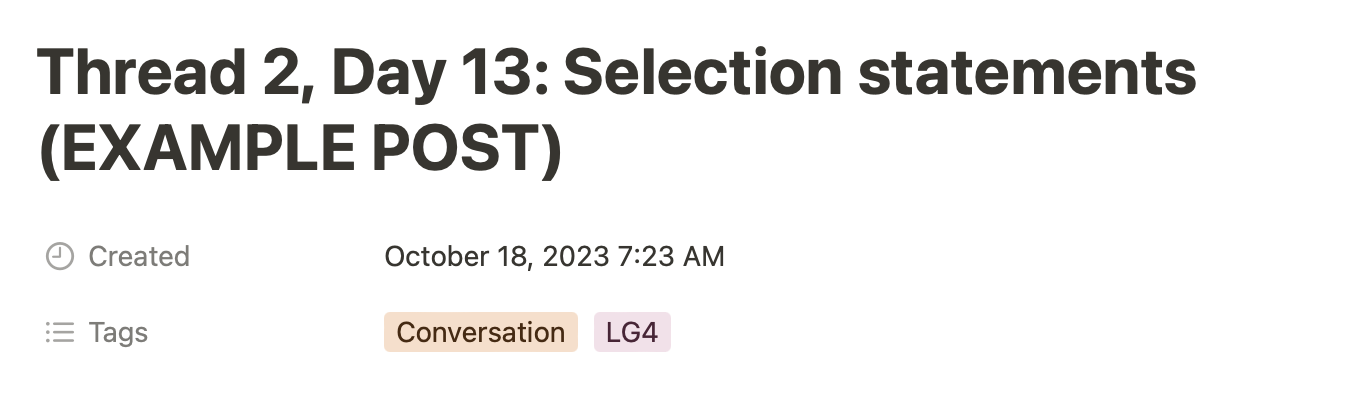
Select a learning goal that this post provides evidence for:
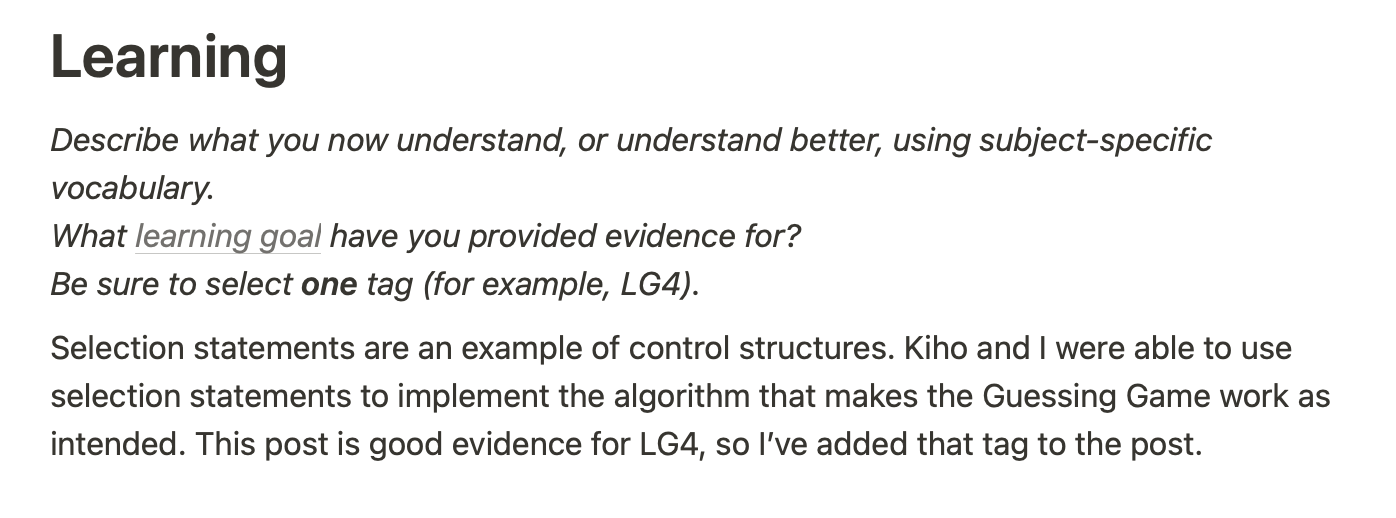
Be sure to tag the post:
Asking questions
In the Questions section, describe anything you are wondering about or stuck on:
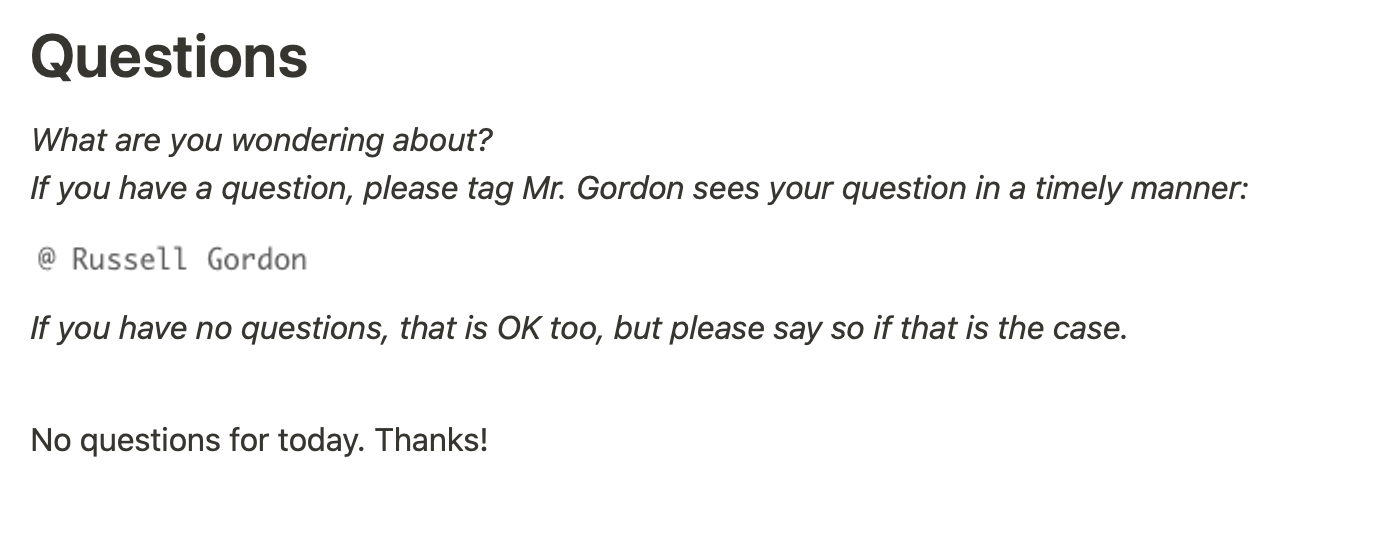
Be sure to tag Mr. Gordon using @Russell Gordon. He will then reply and answer your questions prior to the start of our next class.
You will get individualized written feedback!
If you have no questions, please indicate that, so Mr. Gordon knows you did not miss filling in this section.
Making your first post
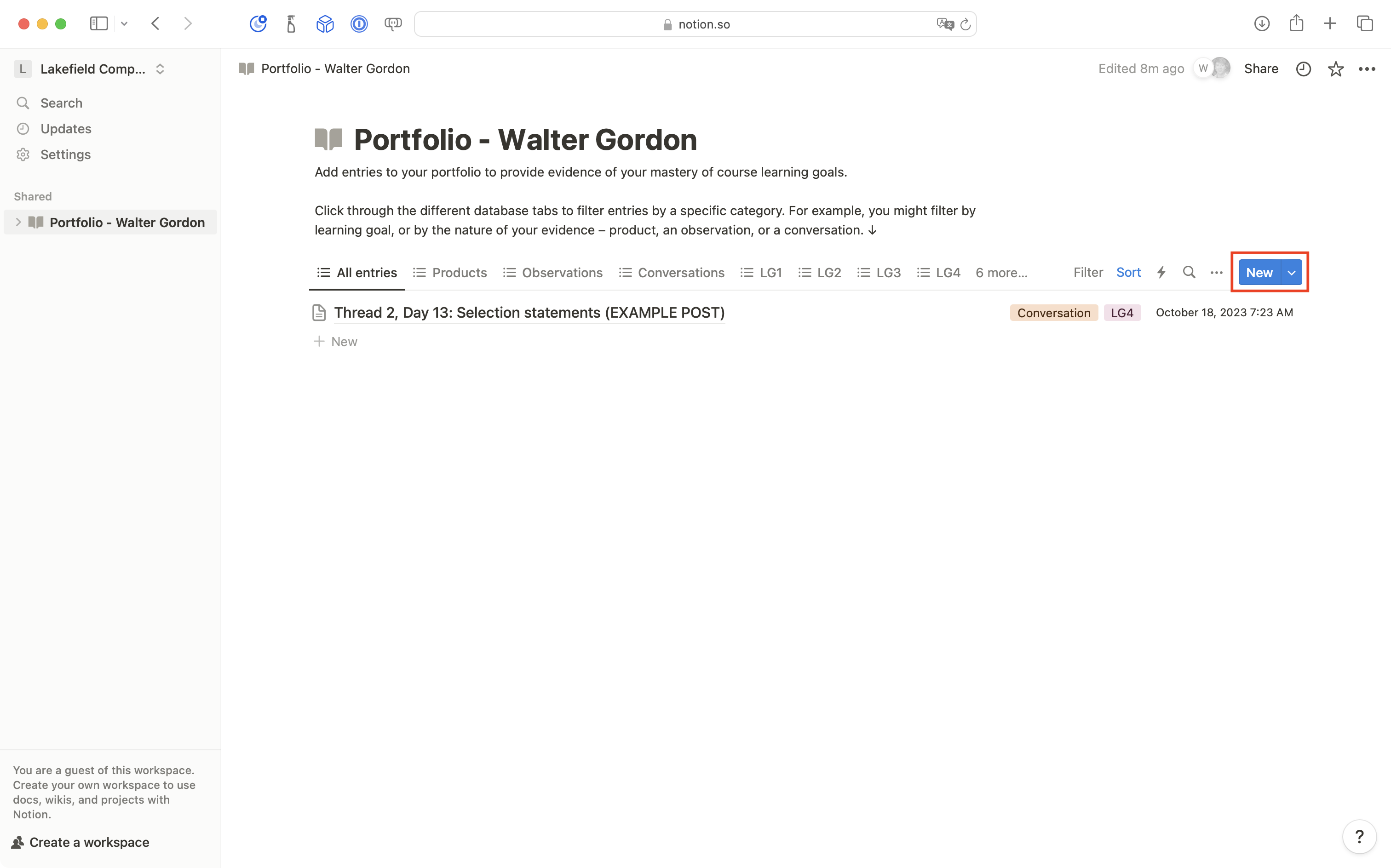
To actually make your own first post, click the blue New button:
NOTE
It may take a moment for the body of the new post to load.
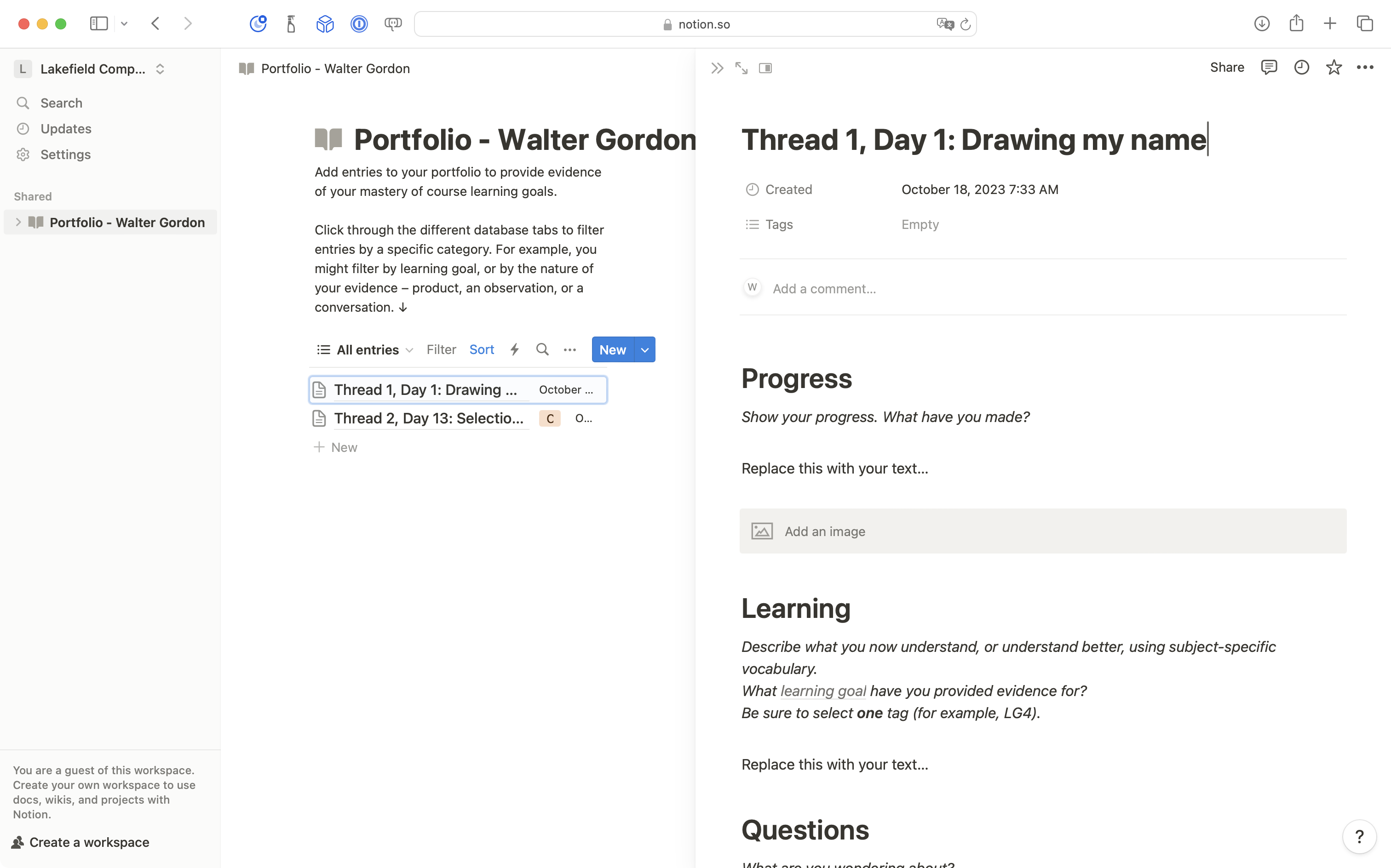
It’s a good idea to write a descriptive title for your post. That makes it easier to find information as your portfolio grows.
Describing the current day of the course, and the topic of the post, is one approach.
For example: “Thread 1, Day 1: Drawing my name”:
Go ahead and write within the sections provied.
You can add new “blocks” or places to provide information as needed.
TIP
You don’t need to worry about saving, or handing in, your portfolio entry.
Notion automatically saves page edits as you make them and your portfolio page is already visible to Mr. Gordon.